
Guide
SMD LED numbers decoded: 2835, 5050, 5630 — what the numbers really mean
Every LED strip and panel light you shop for waves a four-digit number at you — 2835, 3528, 5050, 5630 — and it is very tempting to read it as a brightness score. It isn't one. Those digits are simply the size of the little surface-mount package, measured in tenths of a millimetre: a 2835 is 2.8 mm by 3.5 mm, a 5050 is 5.0 mm square. This post shows you how to read any SMD number in seconds, introduces the sizes you'll actually meet, and then deals with the expensive misunderstanding the numbers cause — that a bigger number means a brighter light. It doesn't. What decides brightness is the die inside the package, the current it runs at, and how many chips share the metre. Once you know that, you can compare two strips honestly instead of guessing from a number that was only ever a measurement.
Here's a thought almost everyone has on their first LED shopping trip: 5050 must be brighter than 2835. Bigger number, bigger chip, more light — the logic feels airtight. It isn't. Those four digits say nothing about brightness at all. They are a measurement, taken with a ruler, of the little plastic package the LED sits in. Once you know that, you can read every SMD number you'll ever meet — and you'll stop paying for the wrong thing.
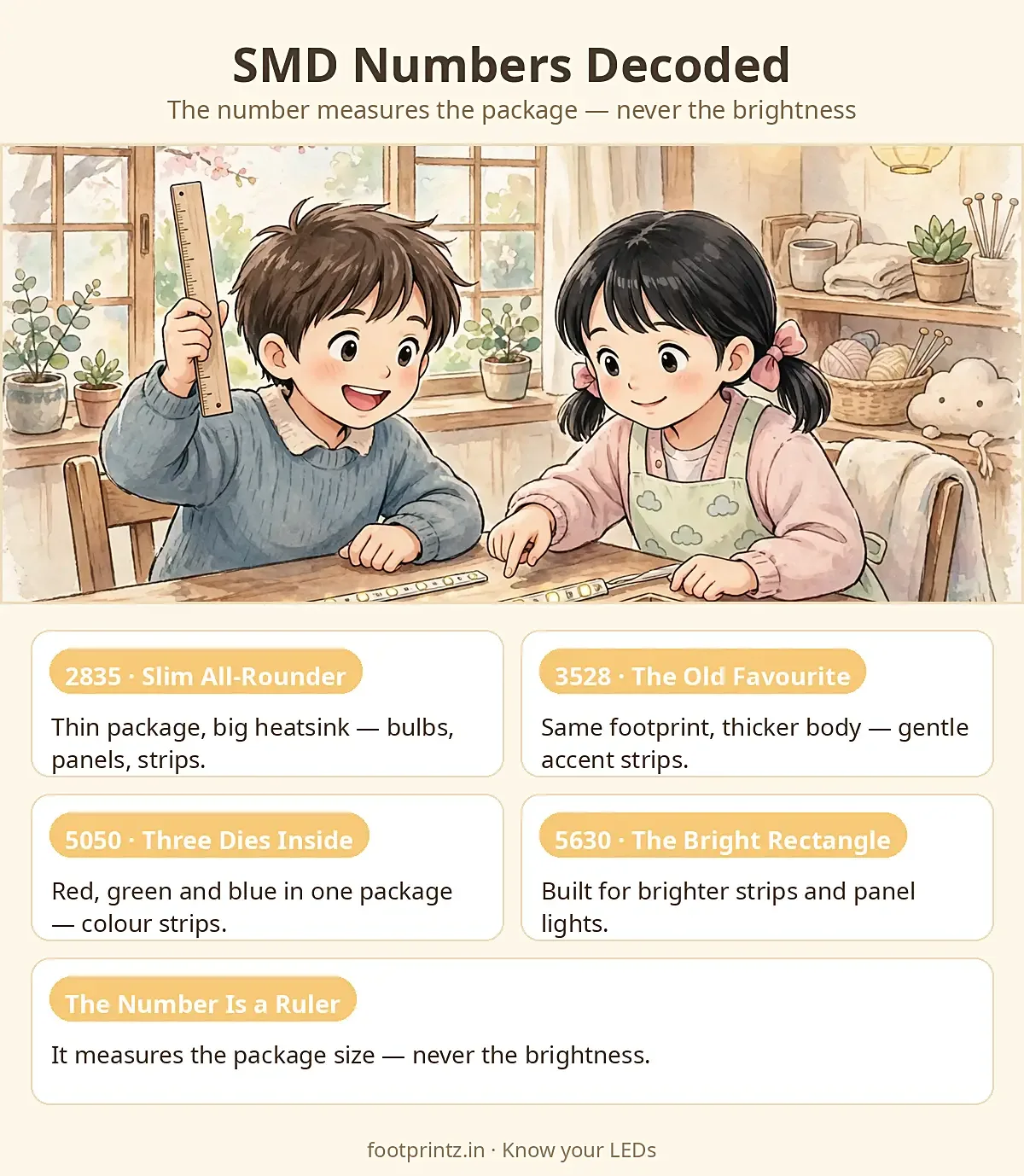
The number is a ruler, not a rating
SMD stands for surface-mount device: a component soldered flat onto a circuit board instead of poked through holes in it. Nearly every LED light you buy — bulbs, strips, panels, tubes — is built from SMD packages, and the four digits after "SMD" are simply the package's footprint, written in tenths of a millimetre.
Split the number down the middle and put a decimal point in each half. The first pair is one side of the rectangle, the second pair is the other side. So 2835 becomes 2.8 × 3.5 mm. A 5050 becomes 5.0 × 5.0 mm — a square. A 5630 becomes 5.6 × 3.0 mm, a longer, thinner rectangle. That's the whole code. A 4014? 4.0 × 1.4 mm. A 3014? 3.0 × 1.4 mm. You can decode sizes you've never seen before, in seconds, because there is nothing else hidden in the number — no brightness class, no quality grade, no generation.
Two honest warnings before you start measuring things with your eyes. First, sources argue about which pair is the "width" and which is the "length", because that depends on which way the package sits on the board. It doesn't matter. The two measurements are what they are. Second, the very small indicator LEDs on electronics boards — 0603, 0805 and their tiny cousins — descend from an older inch-based code, so don't try to read those in millimetres. Everything in the lighting world, though, follows the metric rule above.
The trap hiding inside the footprint
The number gives you length and width. It says nothing about height — and height turns out to matter. Compare the two packages everyone confuses. The 3528 and the 2835 cover exactly the same patch of board: 3.5 × 2.8 mm one way, 2.8 × 3.5 mm the other. Same footprint, completely different part. A 3528 stands about 1.9 mm tall; a 2835 is a sliver, roughly 0.7 mm. Underneath, the difference grows: the 2835 has a larger light-emitting area and a big exposed metal pad on its underside that dumps heat straight into the board. It's a newer design in every way that counts, wearing the same size label as its grandfather. Hold that thought — it explains most of what follows.
The sizes you'll actually meet
| Size | Footprint | Commonly seen in |
|---|---|---|
| 2216 | 2.2 × 1.6 mm | High-density strips, cabinet and profile lighting |
| 2835 | 2.8 × 3.5 mm | Bulbs, panel lights, tubes, strips — the default |
| 3030 | 3.0 × 3.0 mm | Panel lights, downlights, floodlights, street lights |
| 3528 | 3.5 × 2.8 mm | Older accent strips, signage, backlighting |
| 5050 | 5.0 × 5.0 mm | RGB and colour-changing strips |
| 5630 / 5730 | 5.6 × 3.0 / 5.7 × 3.0 mm | Brighter single-colour strips, panels, tubes |
A few of these deserve a sentence each, because the number alone hides their personalities.
The 5050 is the big square, and its size buys one specific thing: room. Inside that 5 × 5 mm package sit three separate LED dies. Wire one red, one green and one blue die into a package and you have a single "chip" that can mix almost any colour — which is why 5050s became the standard for RGB and colour-changing strips. In a white 5050, the same space holds three white dies instead. Either way, "three-in-one" is the 5050's whole trick.
The 2835 is the quiet takeover. Because its flat body and thermal pad move heat so well, it can be driven harder than older packages of its size without cooking itself, and modern versions are efficient in a way the 3528 generation never was. It is now the best-selling package in general lighting — the one inside most bulbs, ceiling panels and decent strips you can buy. Small number, big career.
The 5630 and 5730 are near-identical twins — a tenth of a millimetre apart, used almost interchangeably — stretched into a rectangle so a single die can be run at roughly half a watt. They turn up where one chip needs to do heavier work: brighter single-colour strips, panels and tube lights. And the little 2216 goes the opposite way: individually modest, but small enough to be packed tightly along a strip, which is how you get smooth, dot-free light inside a kitchen cabinet profile.
The 3030 deserves its line too, because it breaks the strip-light pattern: a squarer 3.0 × 3.0 mm package, often built in a tougher, heat-resistant frame and sold in power classes up to a couple of watts. It's less a strip chip than a fixture chip — the sort of package that ends up in floodlights, street lights and the panel lights over office desks, where each chip works hard and has to shed heat into a metal board.
So why doesn't a bigger number mean a brighter chip?
Because brightness is made inside the package, not by its outline. Three things decide how much light one package gives you: how much die it carries (one small die, three small dies, or one larger die), how much current it's actually being fed, and how efficiently that particular die and production batch turn electricity into light. The footprint number mentions none of these.
Run the comparison and the myth collapses. A classic 3528 produces roughly 4–8 lumens — it's a gentle accent light, and was always meant to be. A 5050, with its three dies sharing the work, totals somewhere around 16–24 lumens. Now the 2835: smaller on the board than the 5050, yet a mainstream one gives roughly 20–30 lumens on its own, and higher-power versions are rated well beyond that. The "smaller" chip outshines the "bigger" one, per chip and comfortably per watt. These are ranges, not promises — the same package from different makers, or even different batches, can sit at different points in them, which is exactly why the honest document is always the part's datasheet, never its four-digit name.
How to compare two strips without being fooled
Forget the chip number when you're choosing between two LED lights. A strip's brightness is arithmetic, not identity: chips per metre × lumens per chip at the current used. So compare the figures that actually describe the finished product — lumens per metre, chips per metre, and watts per metre. A 120-chips-per-metre 2835 strip will usually bury a 60-per-metre 5050 strip for brightness, whatever the package numbers suggest, and a seller who prints lumens per metre is telling you something checkable. A seller who only shouts "5050!" is telling you the size of a plastic box.
Density has a second, quieter benefit. The same total light shared across more chips means each chip runs at a gentler current and stays cooler — and cool-running LEDs hold their brightness far longer than cooked ones. It's one more reason the per-metre figures beat the package name: two strips can share a chip number and differ in density, drive current and lifespan all at once.
None of this makes the number useless. It's the right thing to check when you're identifying a chip for repair, matching a replacement, or predicting whether a strip's dots will show through a shallow profile. Just file it where it belongs: with the dimensions, next to the ruler. Not next to the brightness, where it never lived.
Sources: package dimensions and strip design — Wikipedia, "LED strip light"; SMD comparison tables — manufacturer and PCB-industry SMD package guides (which note that flux varies by manufacturer, binning, drive current and thermal design); thickness figures — an LED strip comparison guide and a 3528 distributor datasheet.
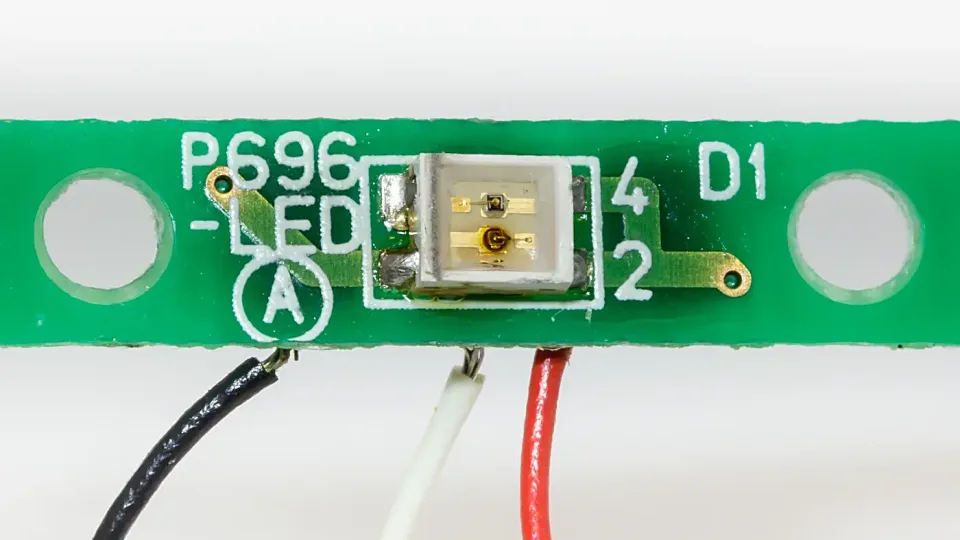
Featured photo: "Duo SMD LED Module on a printed circuit board" by Raimond Spekking, via Wikimedia Commons — CC BY-SA 4.0.
Frequently asked questions
Is a 5050 LED brighter than a 2835?
Not by right. A 5050 package totals roughly 16–24 lumens from its three dies, while a common 2835 gives roughly 20–30 lumens from one die — and runs more efficiently. Some versions of each break those ranges in both directions, which is the whole point: compare lumens, not numbers.
What does 2835 mean in an LED light?
It's the size of the LED package inside: 2.8 mm × 3.5 mm, measured in tenths of a millimetre. It tells you the footprint of the chip, and nothing about its brightness, colour or quality.
Which SMD size is best for a kitchen under-cabinet strip?
Usually a high-density one. Closely packed 2835 or 2216 chips give even light without visible dots reflecting off the worktop. Judge the specific strip by its lumens per metre and chips per metre rather than the package name.
Can I swap a dead 3528 chip for a 2835? They look the same size.
They cover the same area, but they're different packages — different height, different solder-pad layout, different intended drive current. It isn't a drop-in replacement; board-level LED swaps belong with matching parts and repair experience.
Why does one 2835 strip cost three times another 2835 strip?
Because 2835 is only the box. Inside it, die quality, efficiency bin, colour rendering and the board and driver behind it all vary — and those are what you're paying for. The number being identical is precisely why price differences need explaining by other specs.